
Best Humanizers for Social Media Content
The pressure of having to post new content on social accounts is a lot when you are creating content for a company or are working for multiple different companies as a freelancer. With the constant need to have a new post on your social media account every day, finding ways to create new content and making sure that what you write gets people talking through comments and shares is a major challenge.
While tools such as ChatGPT and Claude can assist you in writing posts faster, there is one major issue: the text generated through these tools will likely sound robotic, overly formal, and stiff. As a result, engagement will drop, and platforms such as LinkedIn and Instagram are becoming increasingly sophisticated at identifying the use of AI to generate content. No one wants their well-planned social media content to be flagged and ultimately hidden from potential viewers.

This is where humanizers come into play. Humanizers modify the text produced by AI generators to resemble the way a human would write. A humanizer adds the flow of language, the quirky characteristics of a writer's personality, and the variations in sentences that make social media seem as though it has been written by an actual human being.
Whether you are creating captions for Instagram, thought leadership pieces for LinkedIn, scripts for TikTok videos, or threaded tweets for Twitter, a good humanizer will allow you to keep your personal voice while still keeping pace with your never-ending content calendar.
How We Tested These Tools
We tested all of the humanizers through a realistic workflow to see how well they will function in actual social media usage.
Each of the tools was run with an identical draft of AI-generated content (Instagram caption, LinkedIn post, Twitter thread, TikTok script).
Were the humanized versions able to pass on the majority of the major AI detectors, such as Originality.ai and Turnitin?
Was the tone authentic? Did the humanized version sound natural for that particular platform, or did it seem like it was rewritten bizarrely?
Did each humanizer perform at a similar pace? Since many social teams are working against tight deadlines, we wanted to know which humanizer would be quickest.
How versatile is each of the humanizers? Do they perform equally well with professional tone, casual tone, motivational tone, or humorous tone?
Summary: Top Social Media Humanizers at a Glance
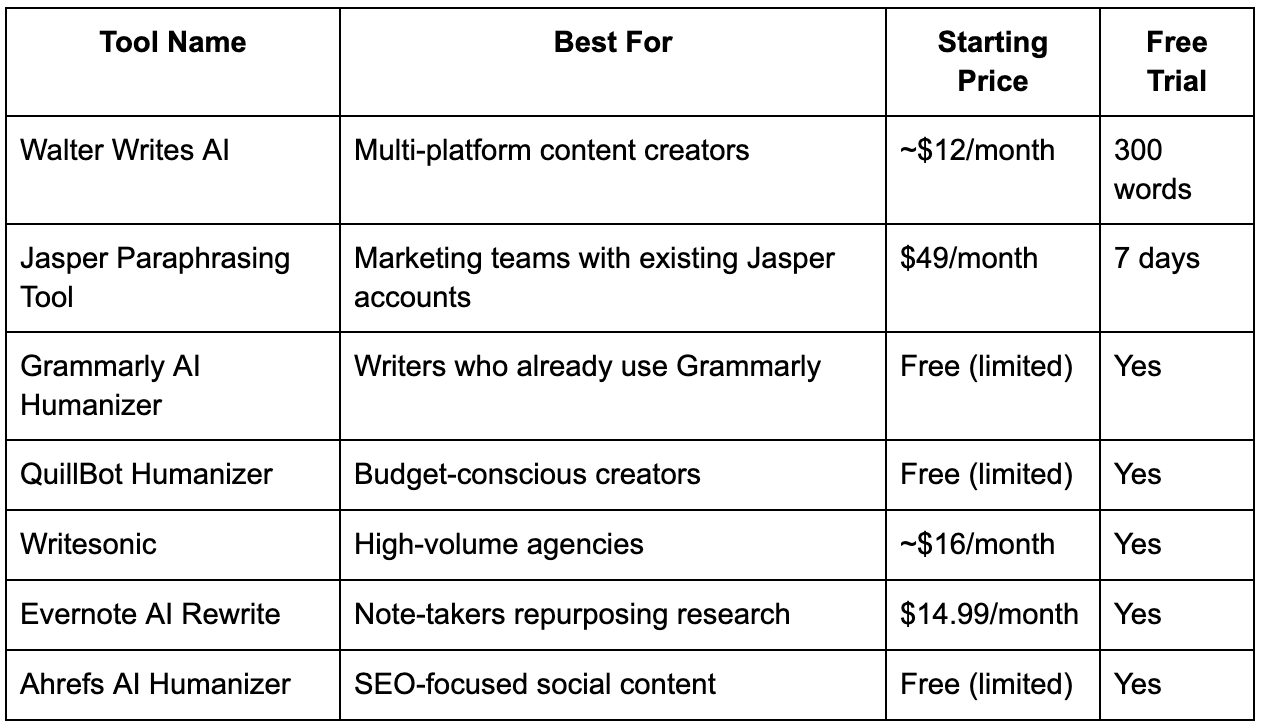
The Complete Breakdown
Here's what each tool actually delivers when you're cranking out social content on a deadline.
Walter Writes AI – Best Overall for Multi-Platform Content
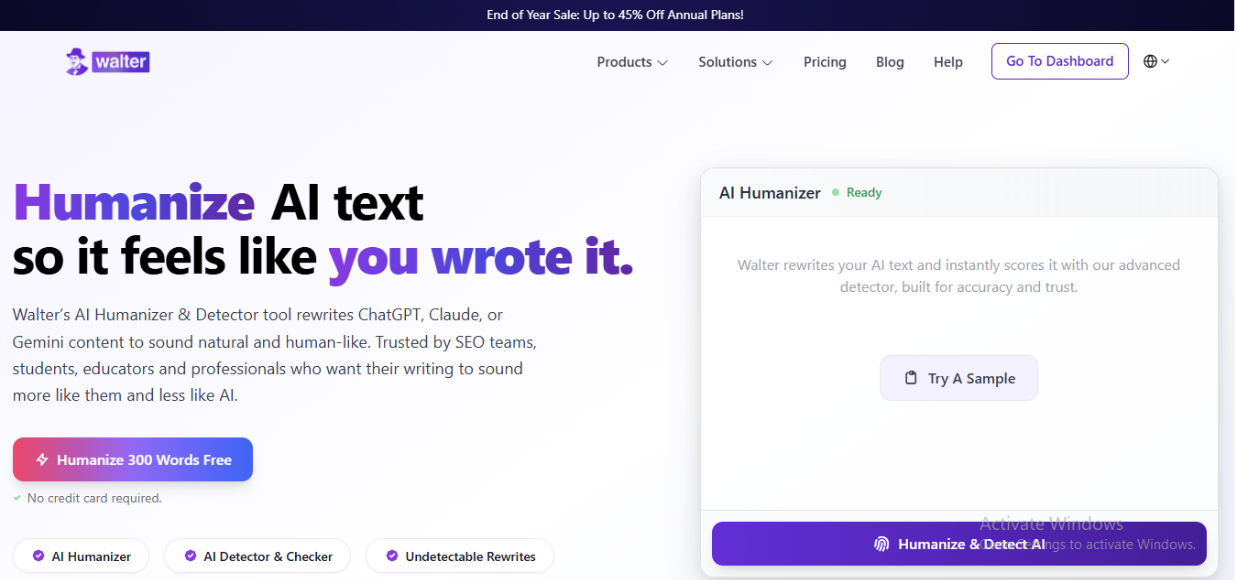
BEST FOR: social media managers, influencers, and agencies that create content on Instagram, LinkedIn, Twitter, and TikTok.
Walter Writes AI is designed to counter the “arms race” of detecting AI. In essence, it employs a three-tiered system to break down an AI-generated text into its parts, rebuild those parts using natural language variability (perplexity and burstiness, as they are called in the industry), and scan the rebuilt text for the top AI detectors prior to you seeing it. As such, when creating social media content, you know that your captions will not only pass AI detection but that the captions will look like something you would write yourself.
The platform has the capability of processing over 80 languages and allows you to choose from four tone options: academic, professional, casual, and marketing. For the purpose of creating social media content, I find the casual and marketing options to be especially effective. You could generate a caption in ChatGPT for your Instagram account, send it through the Walter Writes AI, and receive a version that is conversational and yet retains all of the original information. The time it takes for the process to complete is usually between 10 and 30 seconds, which is quick enough to allow for real-time workflow processes.
The pricing for the service begins at approximately $12 per month for 30,000 words, which is very reasonable for most freelance writers and small teams. Additionally, there is a 300-word free trial option available to let you try the service before making a commitment. The starter plan is ideal for an individual creator, whereas the business plan (priced at $24 per month for 70,000 words) is best for agencies that manage multiple clients.
Website: https://walterwrites.ai
Jasper Paraphrasing Tool
BEST FOR: teams who have been using Jasper for their marketing content creation.
While Jasper does not market its paraphrasing tool as a “humanizer,” it works similarly to one in reality. If you are currently using Jasper for creating blog posts or creating ads, then you can utilize the paraphraser function to create new AI-generated social post captions by rewording them. While the paraphraser can somewhat successfully alter the sentence structure and replace commonly used word phrases (predictable phrasing) of the AI-generated captions, it was not developed specifically to evade AI detection, as the purpose of humanizers was designed to do.
The benefit of this option is that it will be easier to integrate with your current workflow because your team is likely already using Jasper for all of your content needs. The drawback is that Jasper costs $49 per month, which is costly if you are just going to use it to generate social media captions with a humanized tone. This option is ideal for companies that require the entire suite of content capabilities from Jasper and can afford the monthly fee.
Grammarly AI Humanizer
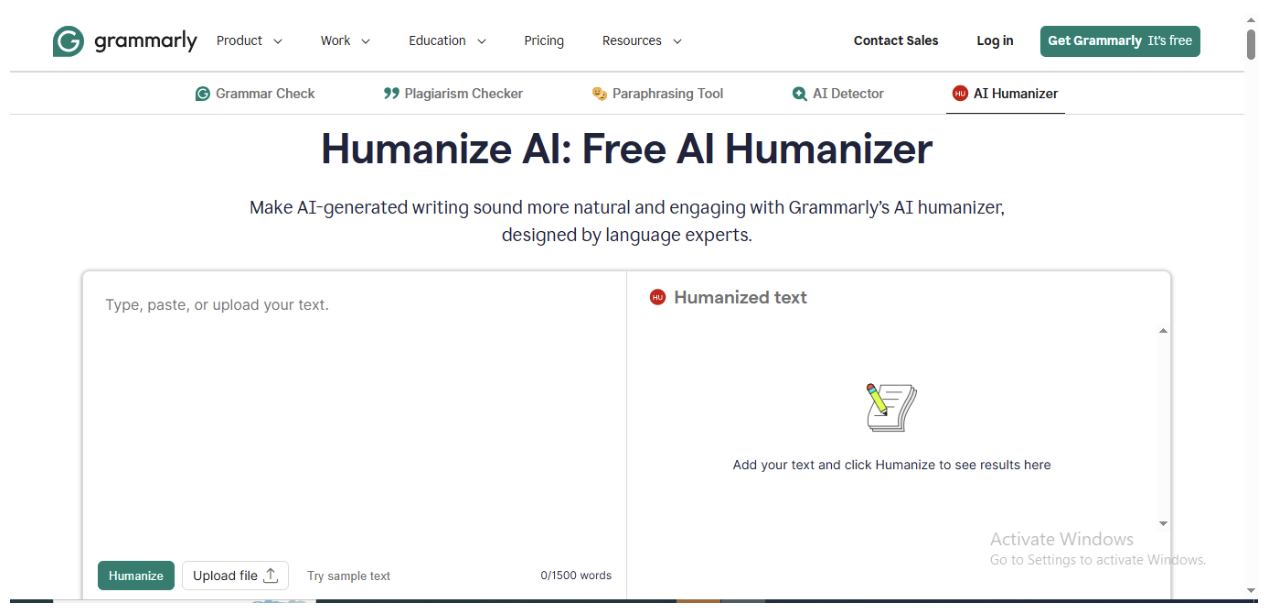
BEST FOR: Writers who already utilize Grammarly to check their work.
Grammarly recently released an AI Humanizer as part of the company’s overall writing assistant program in 2024. This new ai tool aims to help make AI-written content appear to be written in a more natural way by changing the tone, eliminating over-formal language, and creating conversational flow. It can be used successfully to create a professional yet casual voice with LinkedIn posts and Twitter threads.
Grammarly allows users to humanize limited amounts of content using the free plan, but this will be adequate for infrequent usage; however, daily posting will exceed limitations. When users purchase premium versions of Grammarly, they are able to increase their limits, but Grammarly’s pricing model is based around grammar checking as the primary focus; humanizing content is secondary. If you currently pay for Grammarly Premium, the humanizer will be a pleasant added feature. However, if you do not pay for Grammarly Premium, there are other choices available to humanize your content at a lower cost.
QuillBot Humanizer
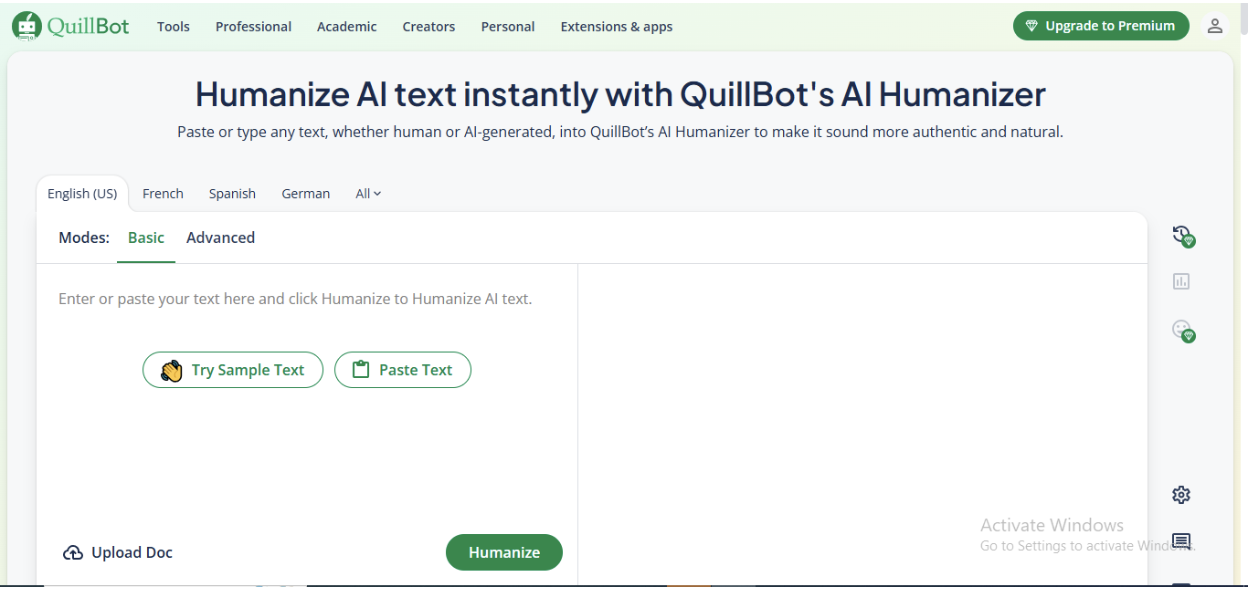
BEST FOR: Basic budget-friendly creators who are looking for basic humanization of their work.
QuillBot's humanizing tool works as follows: paste in the AI text, click on the button, and receive the rewritten AI text, which is designed to be written like a human. The free version will function adequately when editing short captions or quick edits. However, if creating content at a large scale, you will quickly reach limits on the number of uses of the QuillBot tool. When using the paid version ($9.95/month), you will no longer have to deal with limitations of usage or wait for your file to process as long.
QuillBot does not claim to offer a means of bypassing more complex detection of AI-created content; therefore, this tool is most suitable for a creator who is not concerned with being detected by AI-detection tools and is simply trying to make their draft look more natural. QuillBot can do a decent job of making your captions for Instagram and Facebook look like they were written by humans. However, QuillBot may struggle to properly translate certain slang or emojis specific to each social media platform.
Writesonic
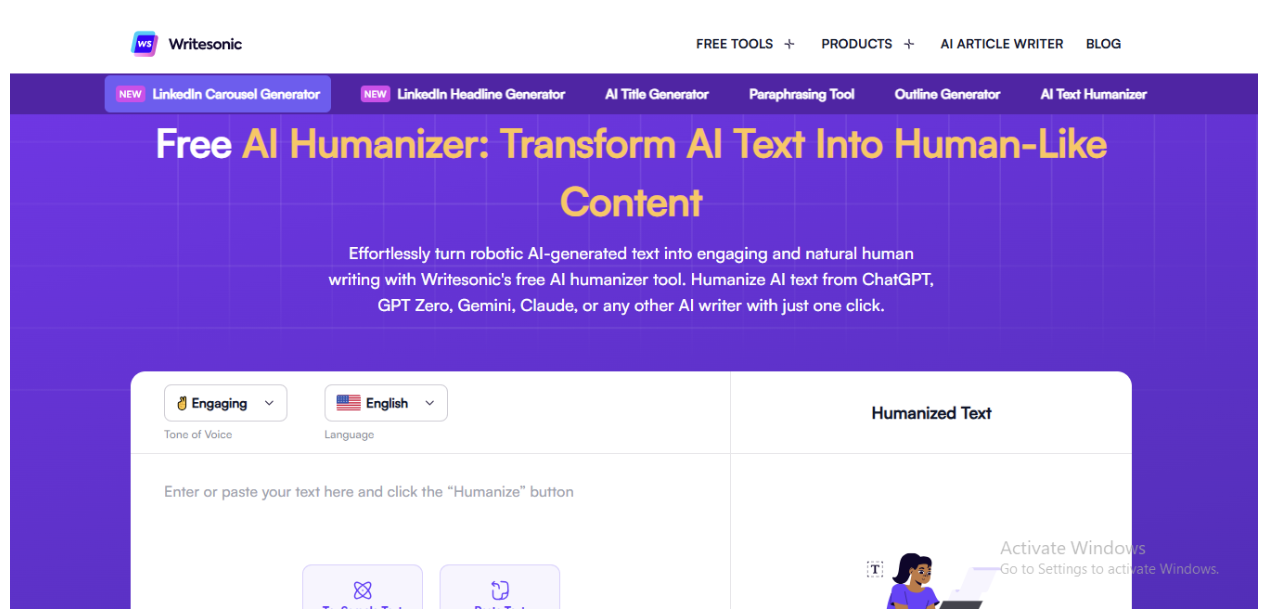
BEST FOR: Agencies creating high volumes of social media content across many social media channels.
The main function of Writesonic is as an AI-based content generator. Although it has several AI-based humanization functions to assist in smoothing out robotic or unnatural phrasing, Writesonic was built for teams that are looking to create large quantities of social media posts, ad copy, and marketing materials very rapidly. Once you have generated a large quantity of Instagram post options using the AI writer within Writesonic, you can run them through the humanizer to soften the tone.
Individual pricing for Writesonic begins at around $16 per month, while team plans are available for agencies. Writesonic has a simple and fast user interface; this is important because most agencies work on behalf of their clients and are always juggling multiple client projects. Additionally, Writesonic provides seamless integration into other marketing platforms that are used by agencies, providing a full-service content creation solution for agencies.
Evernote AI Rewrite
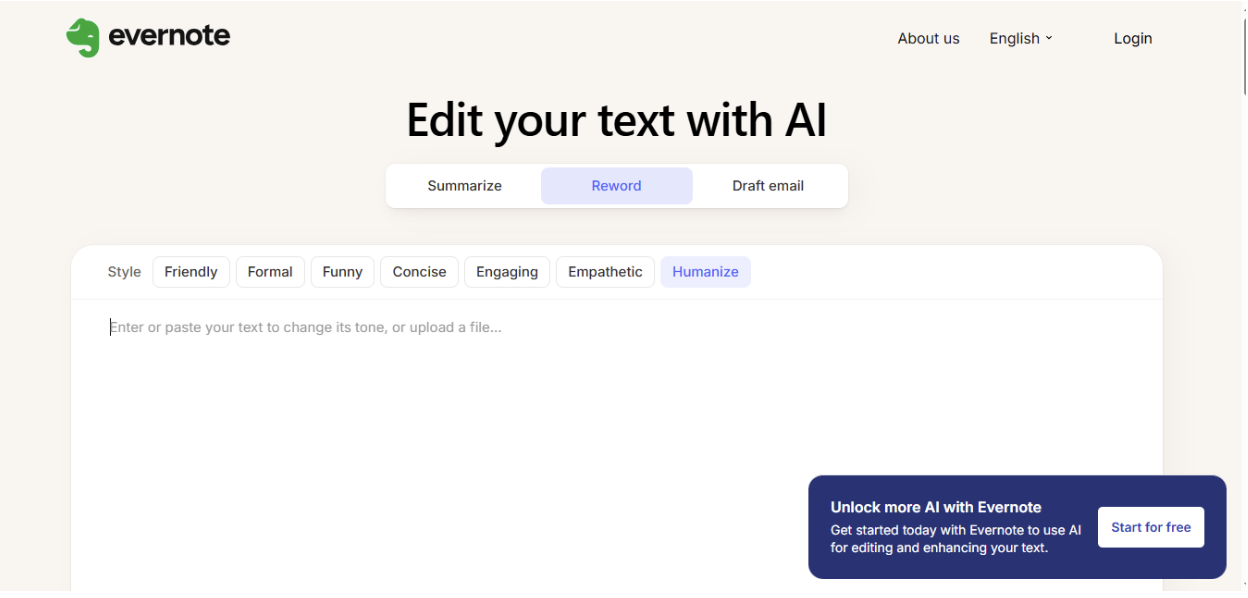
BEST SUITED FOR: Note takers & researchers taking existing content & reformatting for social.
Evernote’s AI Rewrite Tool is a component of Evernote’s overall ecosystem for note-taking and is intended for users who gather & record research, ideas & drafts in Evernote that they wish to transform into refined social media postings.
Evernote’s Humanizer is most effective for the creation of LinkedIn articles & Twitter threads when you are combining your notes together to create content that can be shared with others.
Evernote’s Humanizer is most effective for content creators who are using Evernote as part of their content workflow.
If you are currently an Evernote user, this $14.99/month cost will seem to be excessive for only humanizing your content.
However, if you are already an Evernote user, the Humanizer is a very convenient way to streamline your workflow.
Ahrefs AI Humanizer
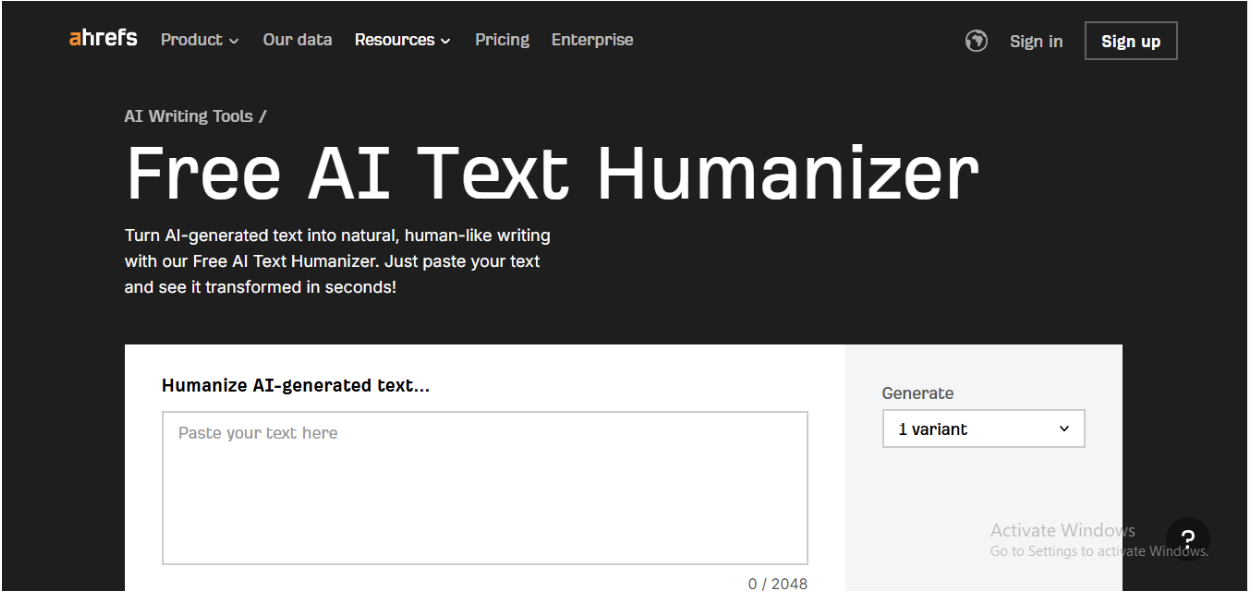
BEST FOR: SEO-focused creators using blog content for social.
Ahrefs is best known for its SEO tools, but they have recently introduced an A.I. "humanizer" as a free service (no account needed) that can be used to create more natural-sounding social content from AI-generated blog posts, and from excerpts of AI-generated blog posts that you want to turn into LinkedIn posts or Twitter threads.
There are limitations to what you can do with Ahrefs' free version, and there is no way to bypass advanced detection in the free version; however, Ahrefs' free version is a great choice if you need to quickly edit your AI-generated blog post content to make it sound like you wrote it yourself.
If you are currently using Ahrefs for SEO purposes, such as researching keywords and creating content plans, then purchasing Ahrefs' humanizer may be a good investment for you.
What Makes a Good Social Media Humanizer?
Not all humanizers will be created equally, particularly in regard to social media content. To work well, humanizing tools will have to recognize that an Instagram post is not written like a LinkedIn article; nor will a Twitter thread be written with the same rhythm as a TikTok script. Ideally, these humanizing tools will capture the unique rhythms of each platform, like short, punchy sentences for Twitter, conversational hooks for Instagram, and a professional yet approachable tone for LinkedIn. Moreover, they must understand how to incorporate emojis, slang, and internet jargon into their outputs without either removing them or having them appear unnatural. More importantly, they will have to create varied output, like short and long sentences, varied vocabulary, and avoid the repetitive sentence patterns that clearly indicate that AI generated the output. Finally, speed also plays an important role in the selection of a humanizing tool. As most people who use social media manage multiple accounts (or work on tight deadlines), waiting five minutes for a tool to humanize a single caption may not always be possible.
Questions Worth Asking Before You Subscribe
Do the platforms that I really use get supported by the tool?
Some humanizers are optimized to help you write longer pieces of content (like blog posts) and then struggle with shorter content (like a caption on social media). Just make sure the format you need is covered in the tool.
How many words do I have to send at a time?
If you are creating TikTok scripts or Twitter threads, you want to know if you can send all of your content in one batch or if you will have to break it up into smaller batches.
Can I flip-flop between tones?
The tone of the content you create can vary depending on what platform you are using (for example, casual on Instagram Stories and formal on LinkedIn). Check to see how easy it is to switch back and forth between different tones.
Does the tool allow for emojis, hashtags, and slang?
Some humanizers will remove these things from your content when they turn it into "human language," or they may just sound unnatural. Test these things before buying the tool.
Is there a refund if the tool isn't meeting my needs?
A lot of humanizers have trial periods where you can test the tool and get a full refund if it doesn't work out. If you go right to purchasing the tool, check the refund policies first.
FAQ
Can AI humanizers make ChatGPT captions sound natural for Instagram? Yes, that's exactly what they're designed to do. Tools like Walter Writes AI and Writesonic specifically rework AI-generated text to remove robotic phrasing and add conversational flow. You'll still want to review the output and add your own voice, but they handle the heavy lifting.
Do I need a humanizer if I'm already editing AI drafts manually? It depends on your volume. If you're posting once or twice a day and have time to edit, manual edits might be enough. But if you're managing multiple accounts or posting several times daily, a humanizer saves significant time and catches patterns you might miss.
Will these tools work for TikTok scripts and YouTube descriptions? Most of them, yes. Walter Writes AI, Writesonic, and Jasper all handle longer-form content like scripts. Just make sure the tool supports the word count you need—some free tiers cap out at 300-500 words, which might not be enough for video scripts.
Are free humanizers good enough, or do I need to pay? Free tiers work for light use, but they come with restrictions: word limits, slower processing, fewer tone options. If you're creating content professionally or managing client accounts, a paid plan is worth it for the speed and flexibility.
Can these tools help me avoid getting flagged by LinkedIn or Instagram? They can reduce the risk, but no tool guarantees 100% undetectability. Platforms use multiple signals to spot AI content, including posting patterns and engagement metrics. A humanizer helps your text sound natural, which is one piece of the puzzle, but you'll also want to vary your posting times and engage authentically with your audience.
How long does it take to humanize a social media post? Most tools process standard captions (100-300 words) in 10 to 30 seconds. Longer content like TikTok scripts or LinkedIn articles might take up to a minute. If a tool is taking longer than that consistently, it's worth testing alternatives.
Do humanizers work with languages other than English? Some do. Walter Writes AI supports 80+ languages, which is useful if you're managing international accounts. Grammarly and QuillBot also offer multi-language support, though features vary by language. Always test in your target language before committing to a plan.